Getting Started
Set up Vylos and create your first WireGuard VPN tunnel on any supported Apple platform.
Platform Requirements
| Platform | Minimum Version |
|---|---|
| iOS | 15.0 |
| macOS | 12.0 |
| visionOS | 1.0 |
First Launch
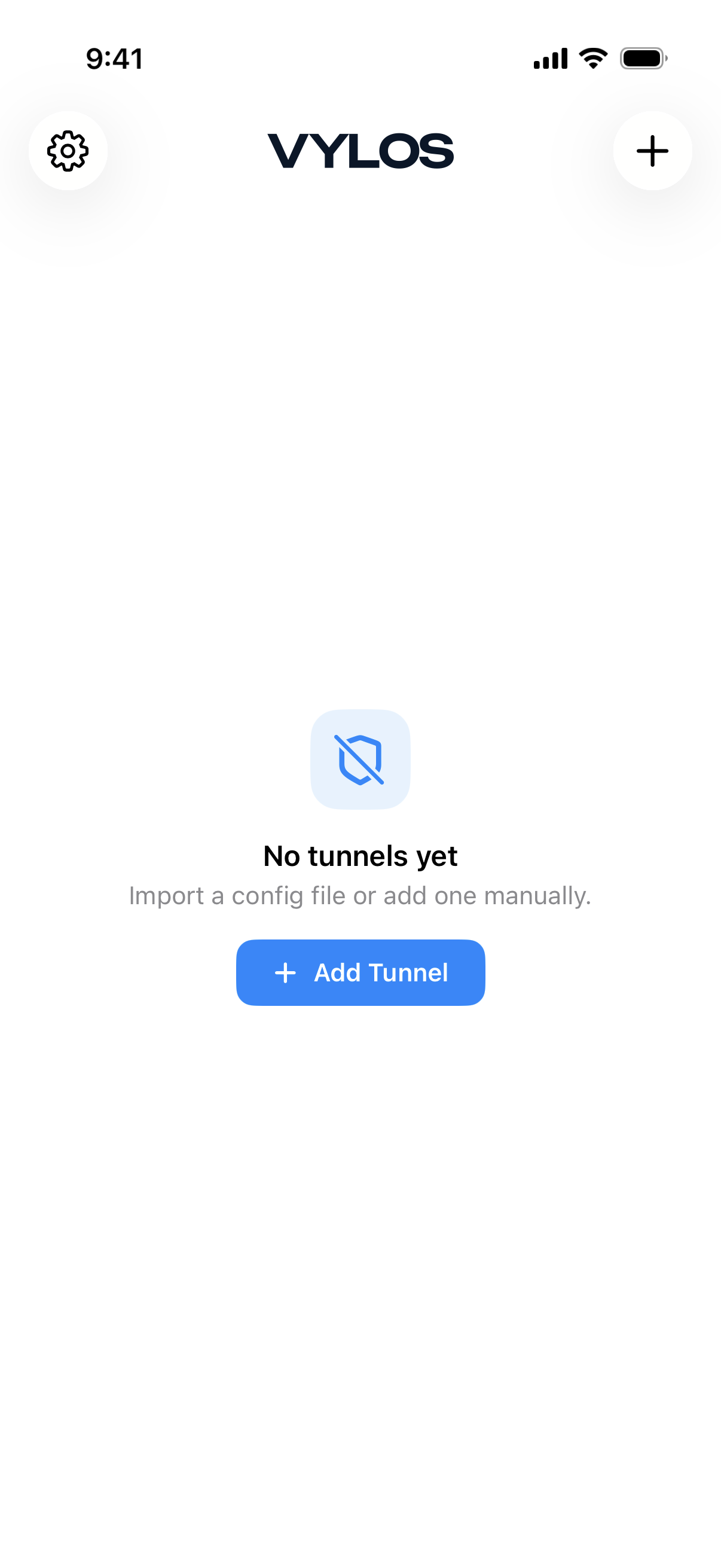
When you open Vylos for the first time, you will see an empty state screen with a shield icon, the message "No tunnels yet," and the subtitle "Import a config file or add one manually." Tap the Add Tunnel button to create your first VPN tunnel.
Adding a Tunnel
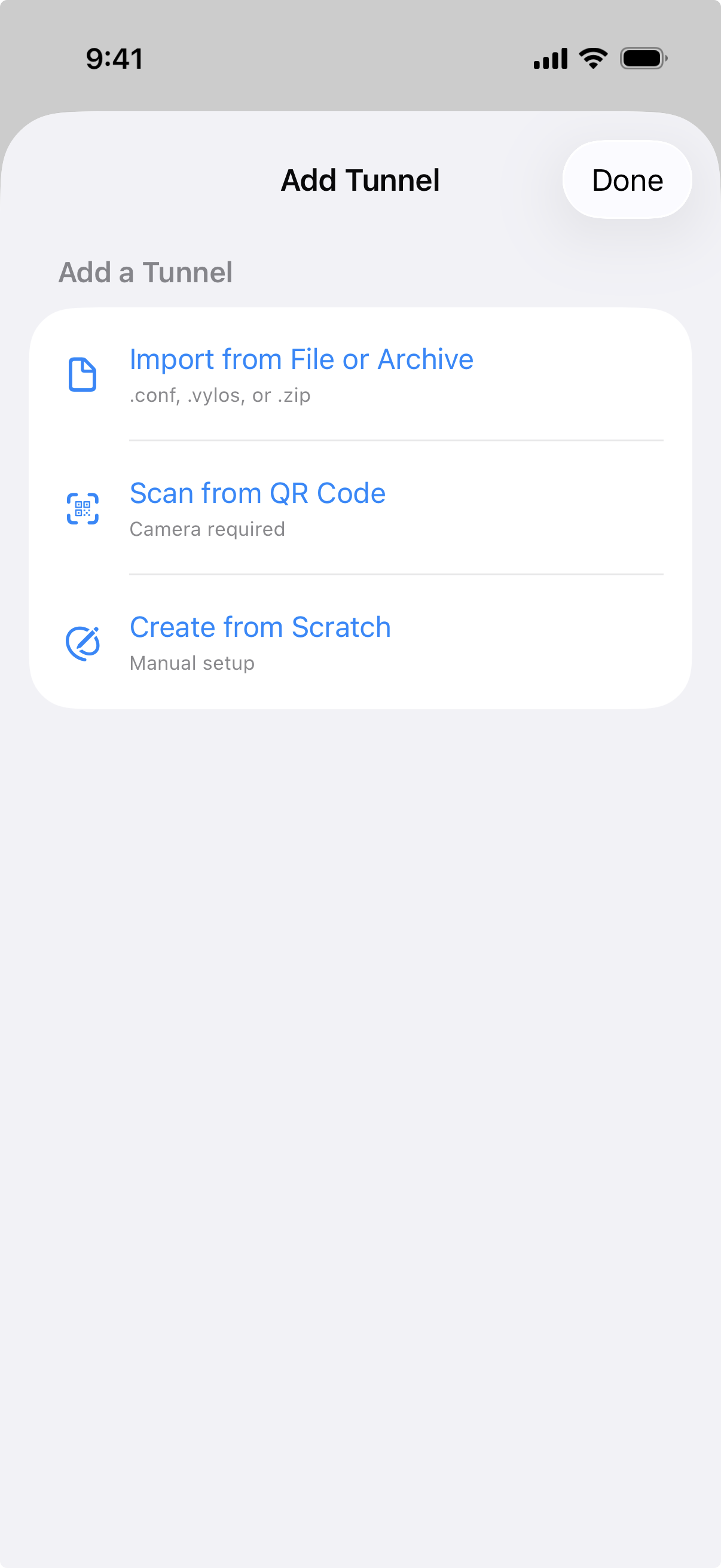
There are three ways to add a tunnel:
- Import from File or Archive — Import a
.conf,.vylos, or.zipfile containing one or more WireGuard configurations. - Scan from QR Code — Use the device camera to scan a WireGuard QR code. This option is available on iOS only.
- Create from Scratch — Manually enter the interface and peer settings to build a tunnel configuration by hand.
tip
If you have an existing WireGuard configuration file, the fastest way to get started is to import it directly. See Import and Export for supported formats and step-by-step instructions.
Tunnel Sections
The home screen organizes tunnels into two sections:
- Managed Tunnels — Tunnels pushed to the device by your organization through MDM (Mobile Device Management). These tunnels are read-only.
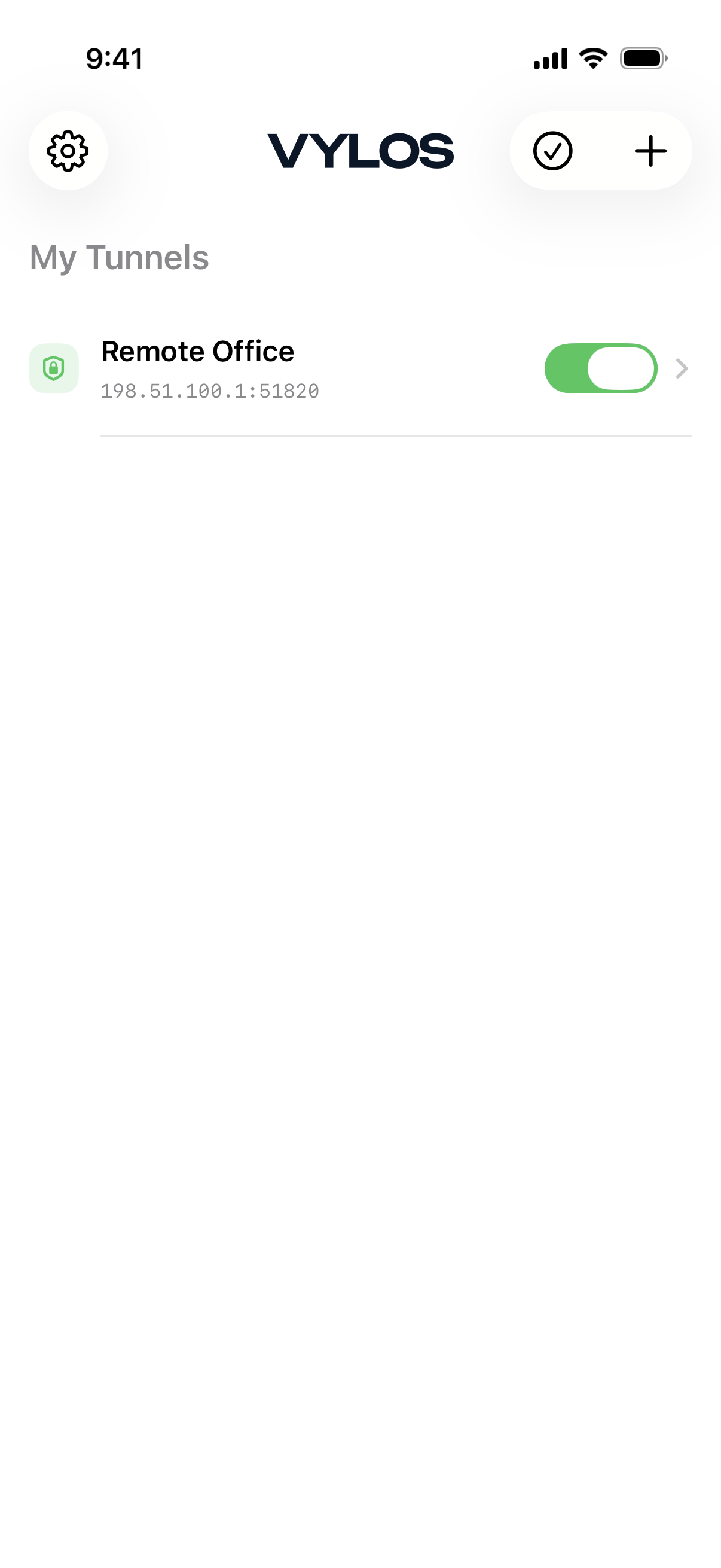
- My Tunnels — Tunnels you create or import yourself. You have full control to edit and delete these tunnels.
If your device has no managed configuration, only the "My Tunnels" section appears.
Key Features
- On-Demand Activation — Automatically connect the VPN based on network type (cellular or Wi-Fi) and SSID rules.
- Split DNS — Route DNS queries for specific domains through the VPN tunnel while leaving other queries on the default network.
- App Lock — Protect access to the app with Face ID, Touch ID, or a TOTP authenticator code.
- Siri Shortcuts — Connect, disconnect, or toggle tunnels using Siri voice commands and the Shortcuts app.
- 19 Languages — Vylos is localized in Arabic, Catalan, Chinese (Simplified), Chinese (Traditional), Croatian, English, Finnish, French, German, Hindi, Indonesian, Italian, Japanese, Korean, Polish, Romanian, Russian, Spanish, and Turkish.
Where to Go Next
- Learn how to manage tunnels in the Managing Tunnels guide.
- Configure automatic connections with On-Demand Rules.
- Set up domain-based routing with Split DNS.
- Protect the app with Security and App Lock.